
Automation
Awake while you need it. Gone when you don’t.
A jiggler that runs on the box's own clock, a name you choose, and a switch that unplugs its own keyboard and mouse when you walk away.
01Keeps it awake
Awake when you need it. Unplugged when you don’t.
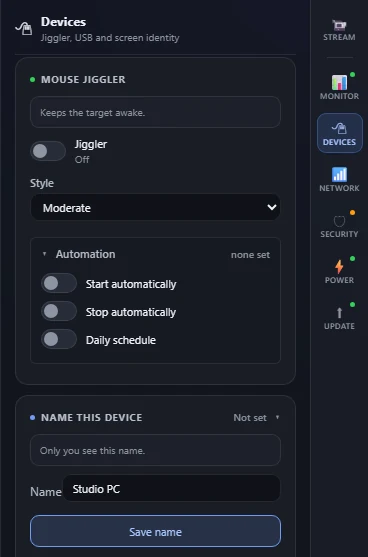
Keeps the other computer awake for you.
Tiny nudges on a timer or a daily schedule, so a long job does not stall behind a lock screen. Start and stop it after a set time or at a clock time, or give it a repeating daily window. It runs on the box’s own clock and survives a restart.
Call it something you’ll remember.
Give it a name and you can reach it by that name on most devices, or use the address shown on its screen. Until you set one, it announces nothing.
It can unplug itself when you’re away.
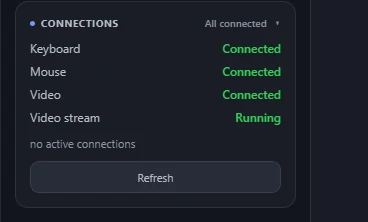
Turn on Auto-disconnect when idle and, after 15 minutes without activity, it detaches its own keyboard and mouse from the target, so nothing is attached while you are not using it. The other boxes stay plugged in the whole time.
Questions about this? The FAQ has a section on using it.