
Help
What the small screen means
Every message the screen on the front can show, what it means, and what to do. Most of the time the answer is nothing: it is handling it.
The pictures are redrawn sharp from the small screen. Any address, password, network name or code on them is an example: your box shows its own.
Starting up
The first start takes a little longer than every start after it.
Setting up KiteRelay · Please wait

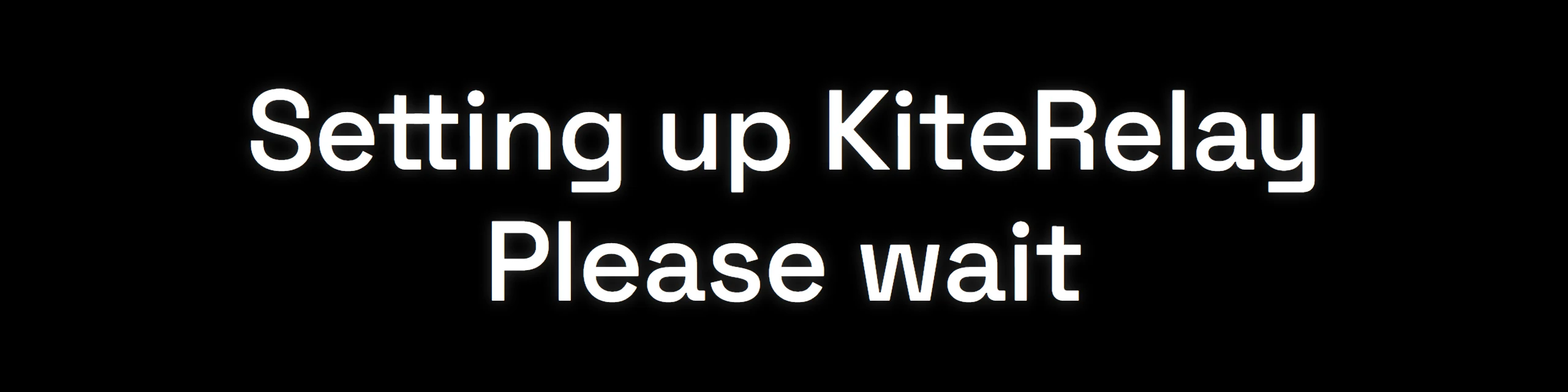
What it means. It is starting, the first time or after a restart. The screen turns slowly between the mark and the message on purpose. Nothing on it is measuring progress, so nothing can look stuck.
What to do. Leave it plugged in.
First-time setup · restarts on its own

What it means. Part of the very first start. It restarts by itself and carries on.
What to do. Leave it plugged in. Unplugging it now only means it starts again from here.
Creating identity
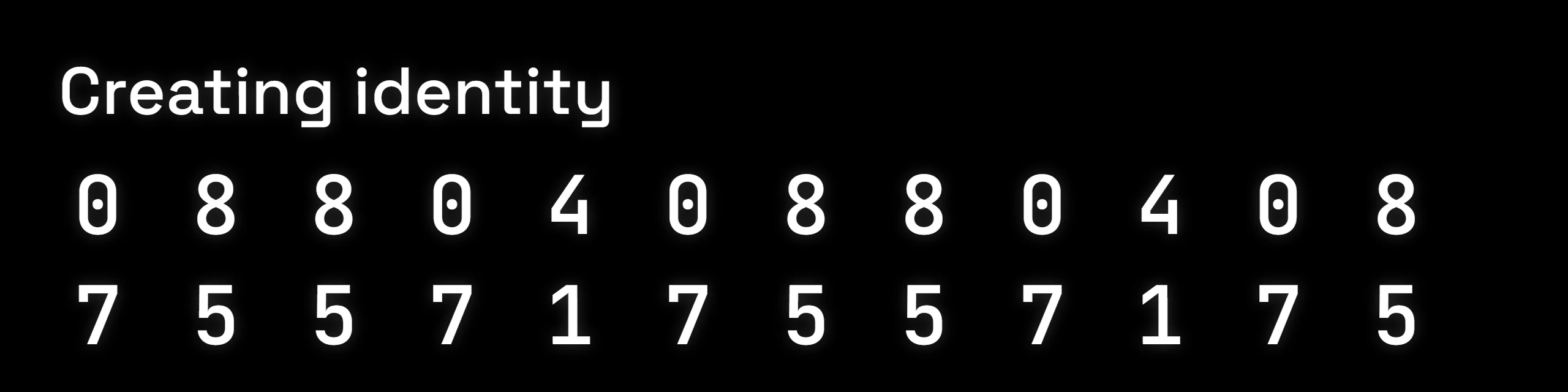
What it means. It is making its own keys, which happens on a first start. The digits turn over like a combination lock settling. They are not a countdown.
What to do. Wait. It takes a moment, once.
Starting hotspot · Please wait

What it means. It is about to open its own WiFi network so your phone can set it up.
What to do. Open your phone’s WiFi settings and wait for the network name to appear.
Getting onto your WiFi
Everything here is the setup in Connect and sign in, seen from the box’s side.
KiteRelay-1234 · Pw: … / Go: …
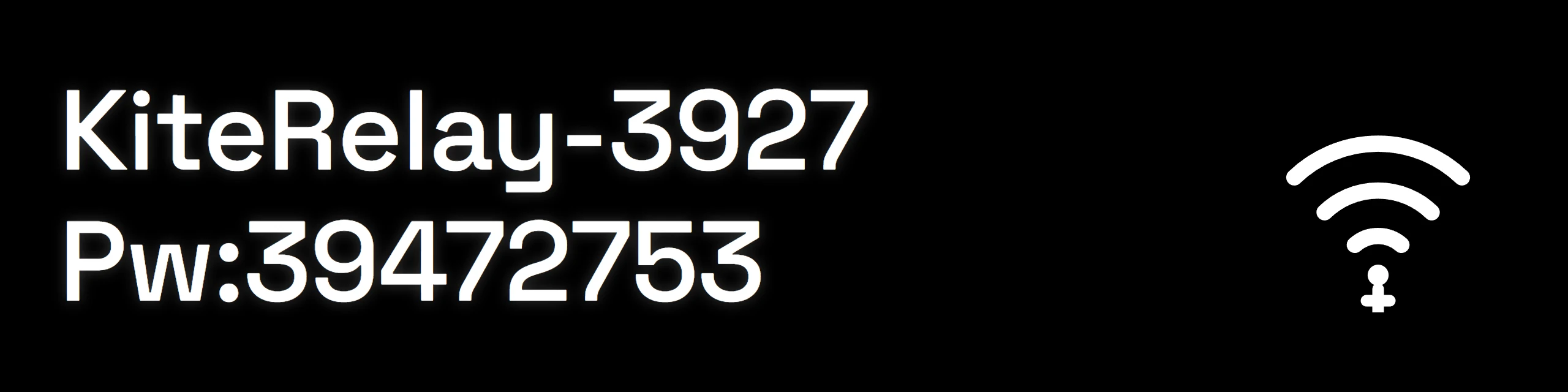
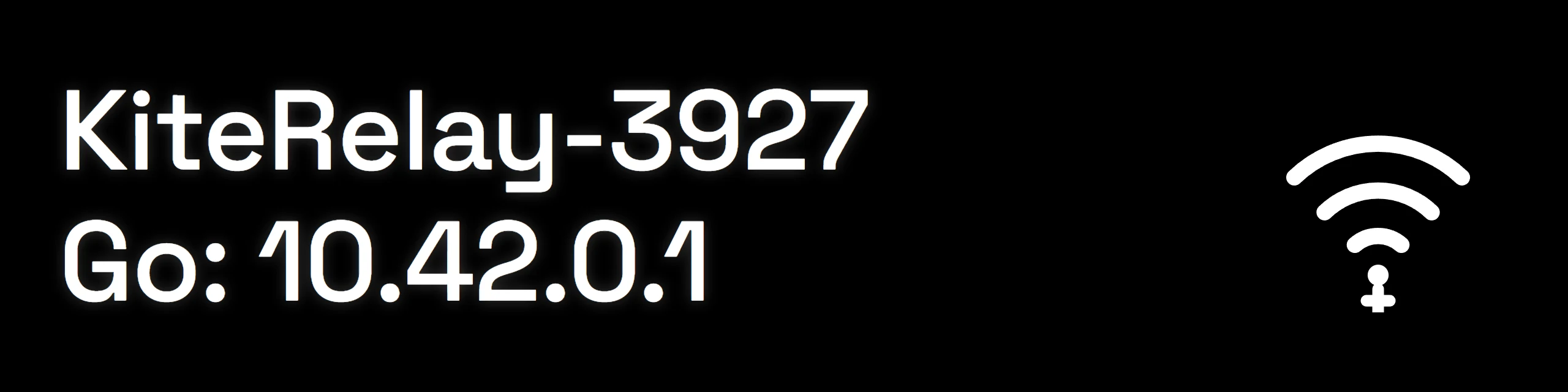
What it means. Its setup network is up. The top line is the network to join. The bottom line switches every four seconds between that network’s password, after Pw, and the address to open, after Go.
What to do. Join it from your phone, then follow Connect and sign in.
Starting setup · 8s
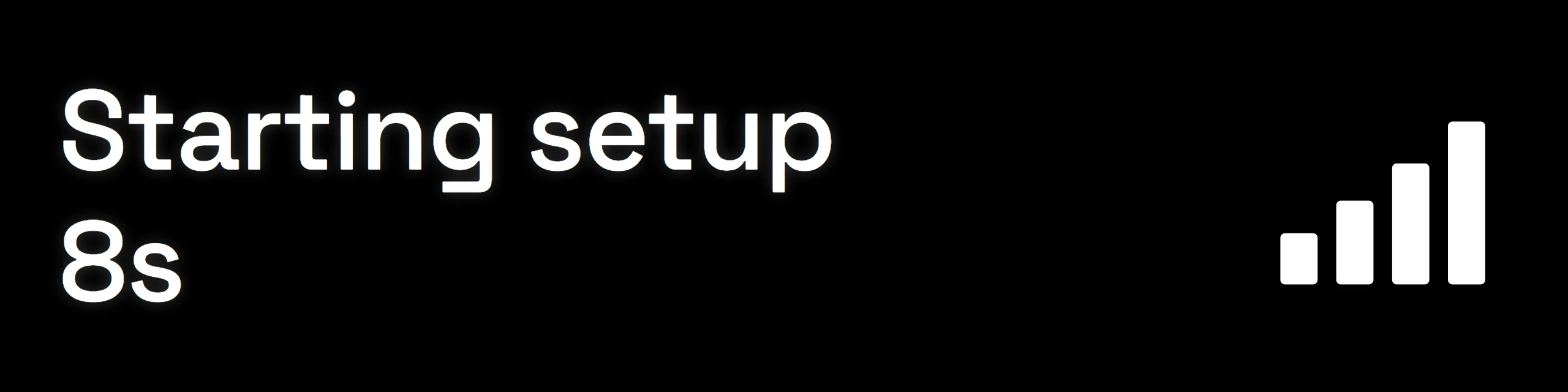
What it means. No WiFi has been saved yet, so it is about to open its setup network.
What to do. Wait the few seconds it shows.
Looking for WiFi · 20s left

What it means. It knows a WiFi network and is looking for it. If the countdown runs out, it opens its setup network so you can choose again.
What to do. Make sure your router is on. If the box has moved house, let the countdown finish and set it up on the new WiFi.
Looking for WiFi · retrying (or checking...)
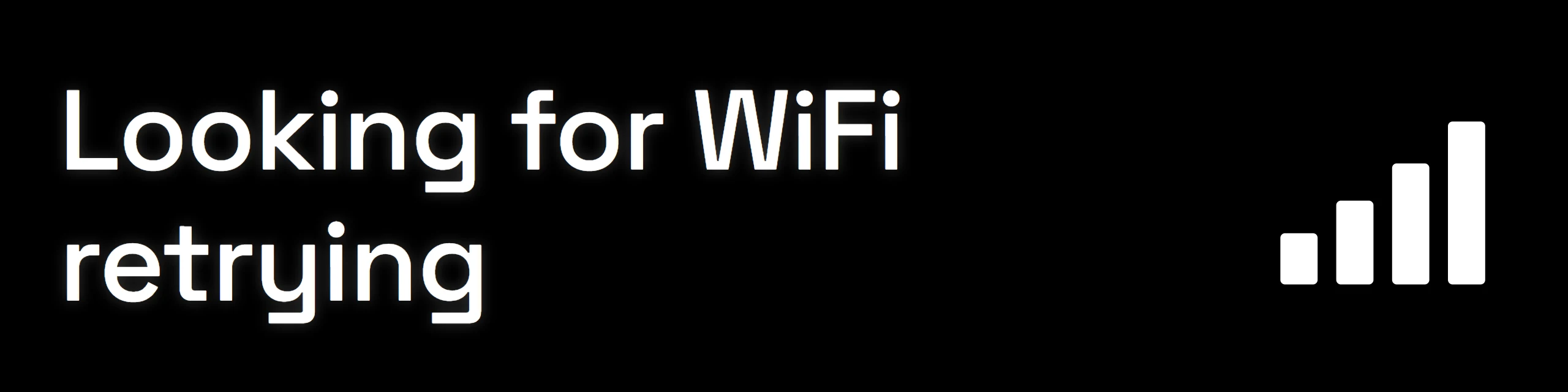
What it means. It is trying again to reach the network it knows.
What to do. Check the router is on and within reach. It keeps trying by itself.
Connecting to WiFi: · your network
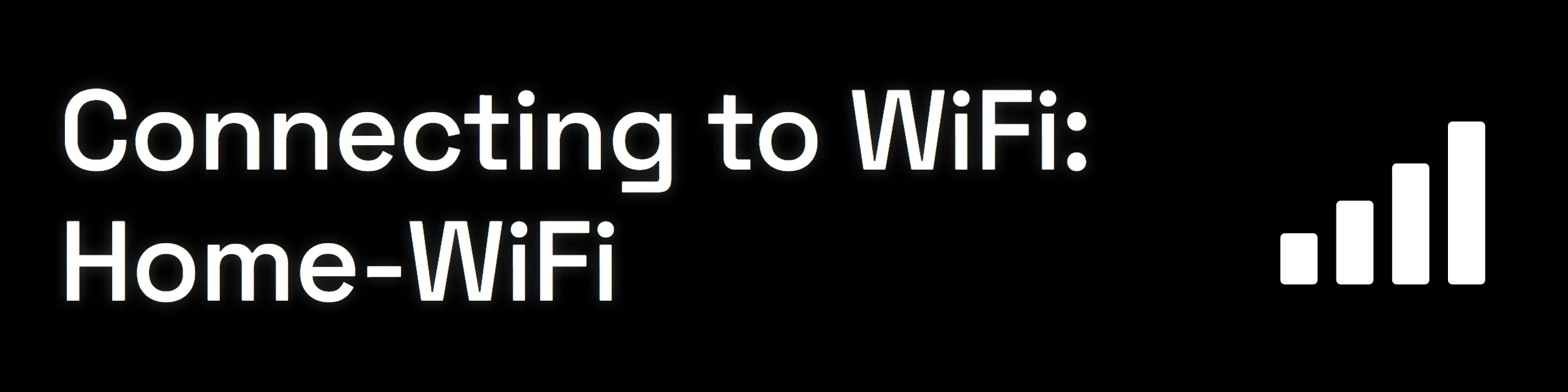
What it means. It is joining the network you picked on the setup page.
What to do. Wait. It says Connected when it is done.
WiFi failed · the reason · Rejoin KiteRelay-1234

What it means. It could not join. The middle line says why: Wrong password, Network not found, No answer, or Could not connect.
What to do. Rejoin its setup network from your phone and pick your WiFi again, checking the password.
Retrying shortly · Rejoin KiteRelay-1234
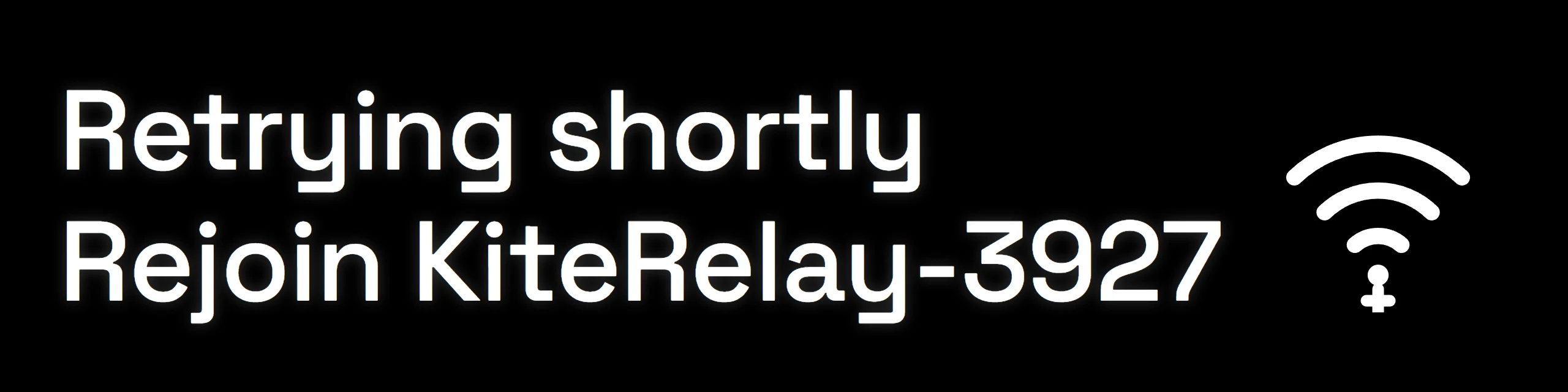
What it means. Setup is restarting by itself, and comes back in under a minute.
What to do. No need to unplug it. Rejoin the network it names once it reappears.
Connected! · an address
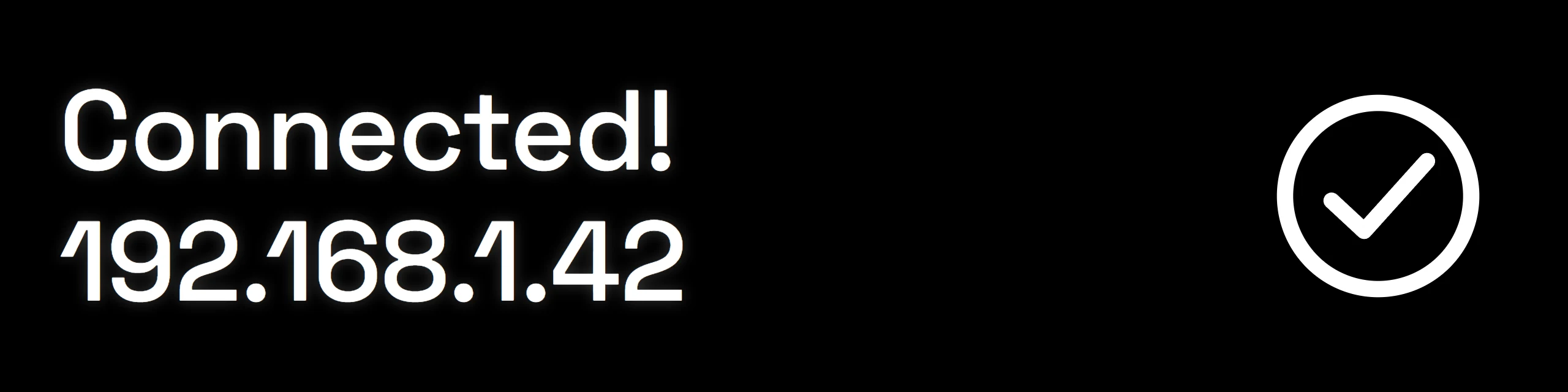
What it means. It is on your WiFi. The second line is the address to open in your browser.
What to do. Write the address down, then open it. Step 7 of Connect and sign in explains the browser warning you will see once.
Every day
The screen it shows almost all of the time, and what its corner is telling you.
KiteRelay · 45C LIVE 2h · the address
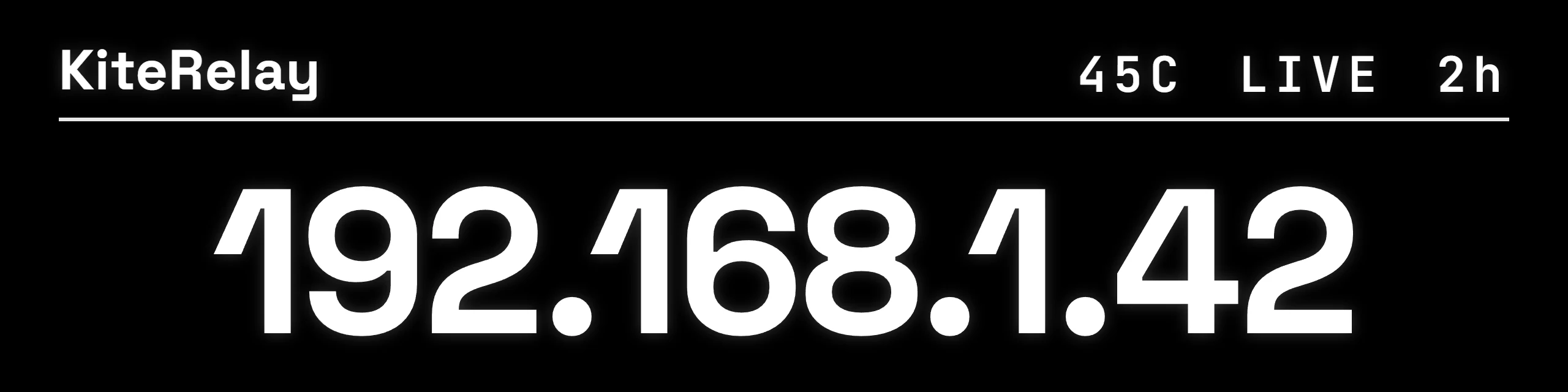
What it means. All is well. Along the top: its temperature, LIVE while the picture is running, and how long since it last started. The address underneath is the one to open.
What to do. Nothing.
OFF in the corner
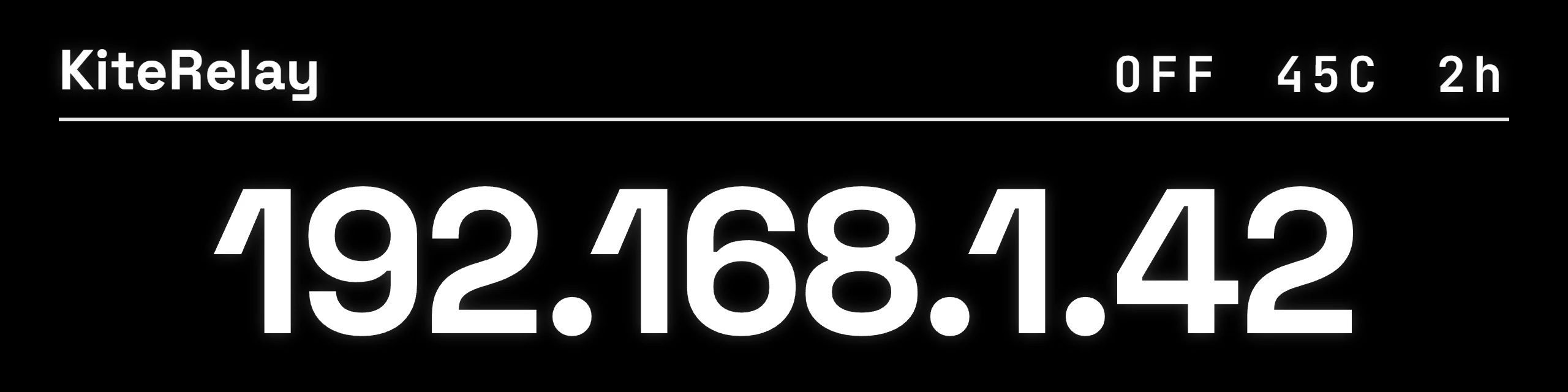
What it means. The picture is not running right now, so the control page has nothing to show.
What to do. First the easy things: the video cable firmly in at both ends, and the other computer switched on and awake. Then try Restart in the Power drawer on the control page. If it still shows OFF, write to support.
DOWN in the corner
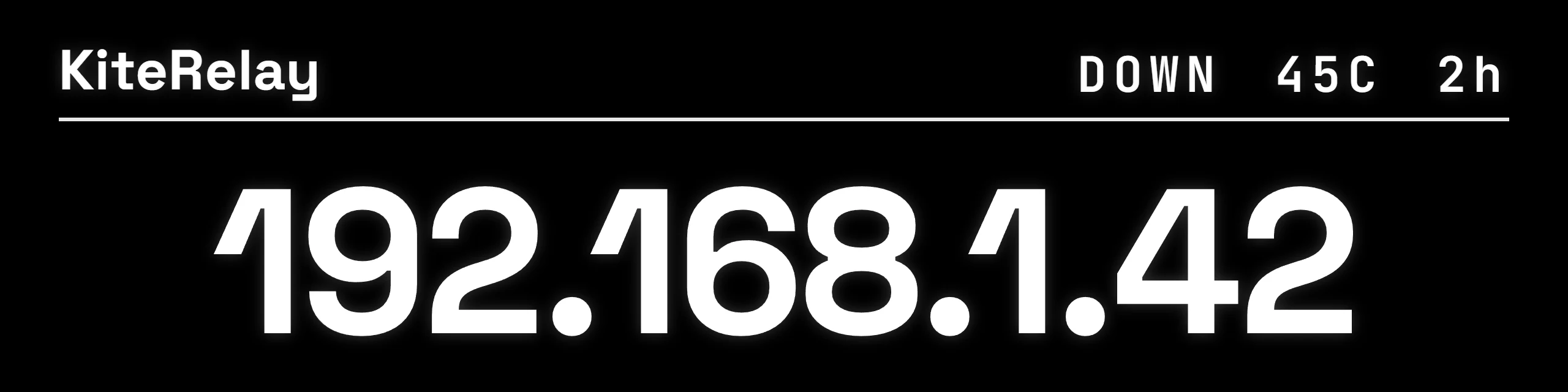
What it means. Its own software is not running. It restarts by itself, normally within a minute.
What to do. Give it a minute. If DOWN stays, unplug the power for ten seconds and plug it back in.
No network - setup
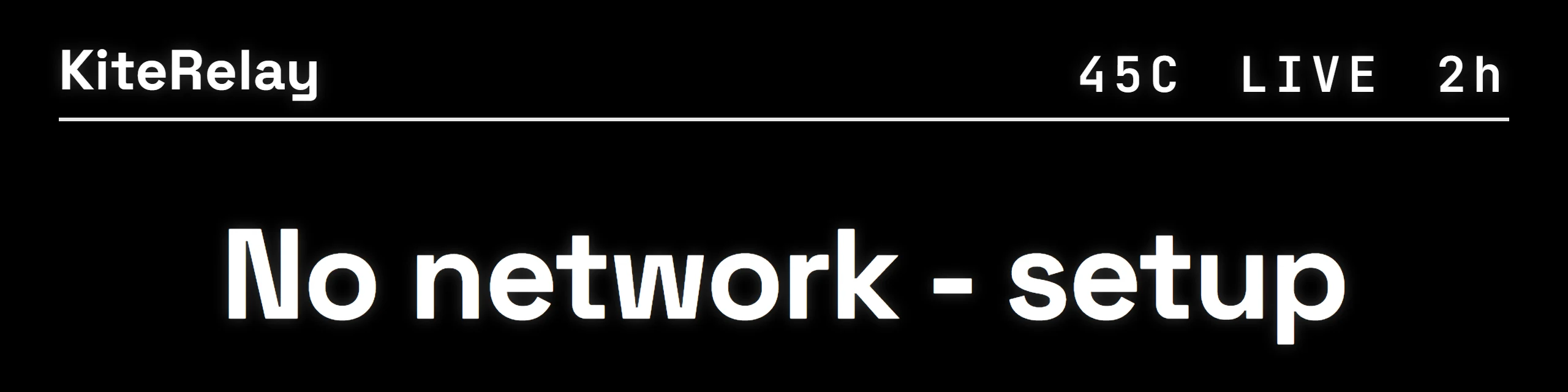
What it means. It has never been given WiFi, so it has no address yet.
What to do. Set it up from your phone, starting at Connect and sign in.
No network - checking
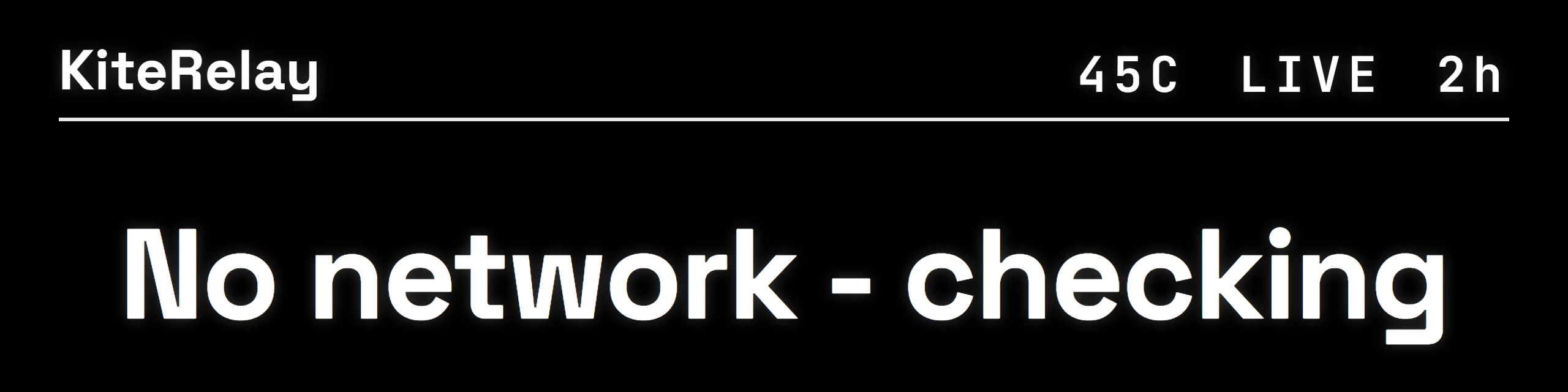
What it means. It has WiFi saved but cannot reach it right now.
What to do. Check your router is on. It keeps trying by itself.
When it needs you
Three screens ask you to do something. Each says what.
Needs activation · support@kiterelay.com

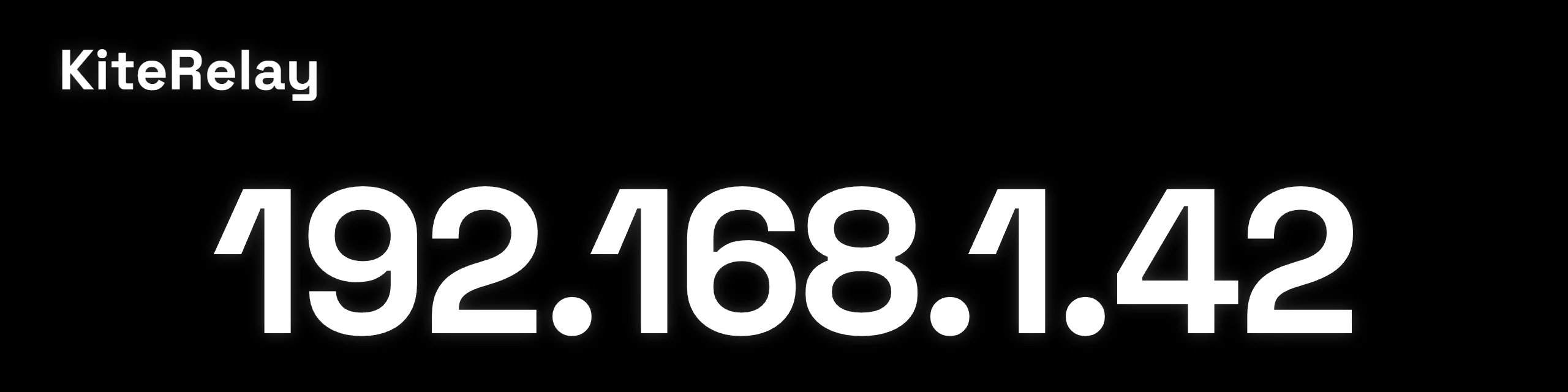
What it means. It needs a one-time activation code before it opens. Every box we send is already activated, so you would only see this after its card is replaced or reflashed. The screen switches between this and its address every five seconds.
What to do. Open the address and email support@kiterelay.com the device ID it shows. We send back a code starting with KR1- to paste in.
Reset code: · six digits

What it means. Someone chose Forgot your password? on the sign-in page. The code proves they are standing next to the box.
What to do. Type it on the sign-in page within five minutes. If you did not ask for it, ignore it: it clears itself.
Password reset · Create a new sign-in

What it means. Its password has been reset.
What to do. Open its address and create your sign-in again.
Updates
Updates arrive signed and are checked on the box before they run.
KiteRelay · Upgrading
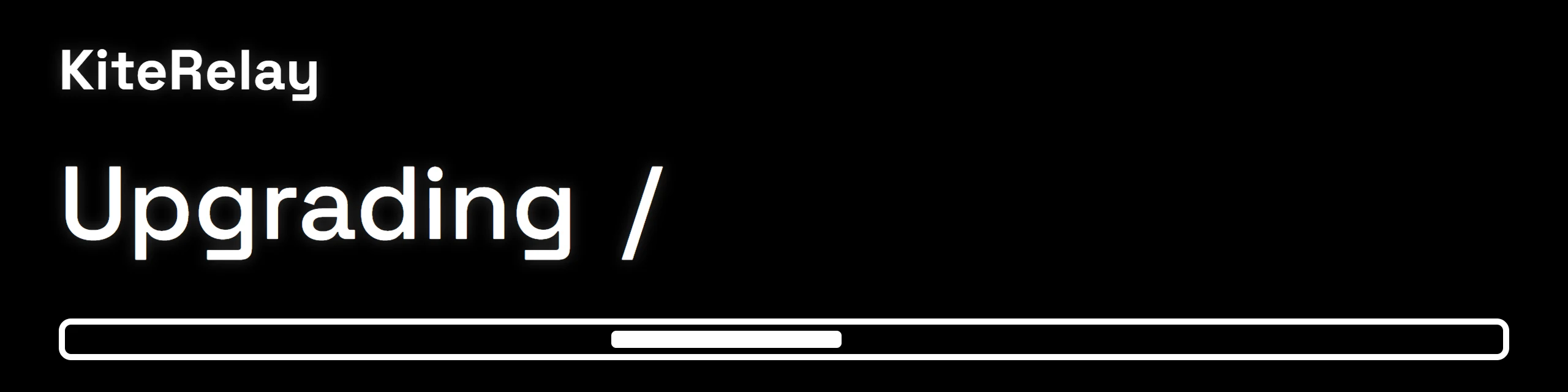
What it means. An update is installing. The bar moves to show it is working; it is not a measure of how far along it is.
What to do. Leave it plugged in until it restarts.
Updated! · restarting...
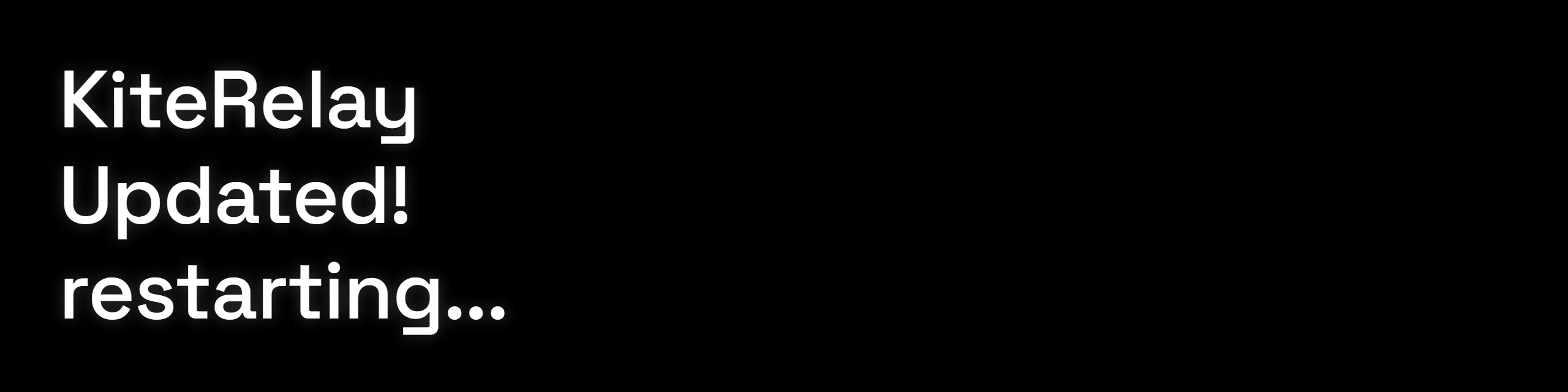
What it means. The update went in. It restarts and comes back by itself. If an update ever fails to come up healthy, it returns to the version it had.
What to do. Nothing.
A message that is not here, or one that stays longer than it should? Write to support@kiterelay.com with a photo of the screen, and a person will answer.