
Uses
A work laptop you are authorised to manage
The laptop your job gave you, beside your own computer. Drive it from your own keyboard and screen, and let it unlock and stay awake on its own.
How it goes
- HDMI and USB-C into the work laptop, power into the box. To the laptop, that is a monitor, a keyboard and a mouse. Nothing gets installed on it.
- Open its page on your own computer. One keyboard, one mouse and one screen for both machines, with the work laptop in a browser tab.
- Save its password once. When it locks, the box types the password back in, only after confirming it really is looking at the lock screen.
- Set the jiggler for your working hours. A daily window on the box’s own clock keeps long jobs from stalling behind a sleep timer.
Connected devices
- USB receiverKeyboard and mouseReady
- Monitor1600 x 900, 60 HzReady
Nothing else. Nothing installed.
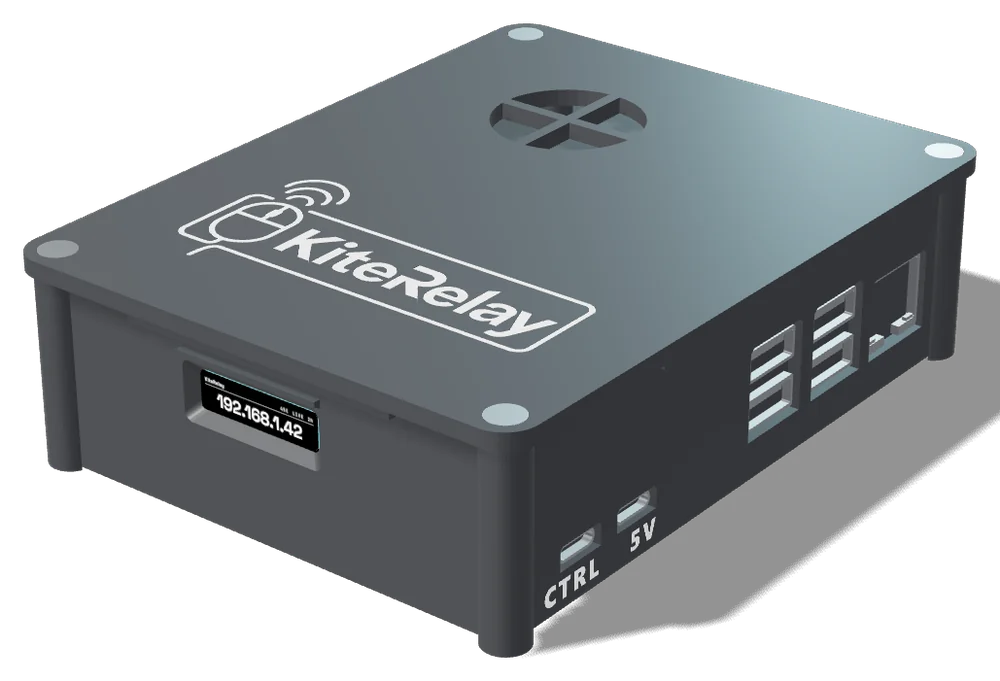
What is actually there
KiteRelay, with a generic hardware identity.
The computer sees ordinary peripherals, not a KVM. There is nothing on it to notice, because there is nothing on it.
What matters here
- Screen unlock. Ten checks before it types, and six things it refuses to do.
- Keeps it awake. The jiggler’s schedule, and the auto-disconnect for when you step away.
- Compare. Generic hardware identity, and how the other boxes handle it.
Good to know
Use it only on a laptop you are allowed to use this way. If someone else manages it, check that their policy allows a keyboard, mouse and monitor of your own.
Works on Windows, macOS and Linux, managed corporate Macs included.
The laptop needs an HDMI output, or a USB-C port that can drive a monitor and an adapter to HDMI, plus a USB-C port for the keyboard and mouse.
Not sure your computer has the right ports? The compatibility check answers in three questions. Ready for one? Reserve yours.